



Everything You Need to Plan Your Feed

PlanGrid combines a content library, drag-and-drop calendar, and live Instagram grid preview—plus media kits and campaign tools for brand collaborations.

Last updated: June 2026

Creator planning Instagram content on a calendar
Illustration from Icons8
Creator planning Instagram content on a calendar
Illustration from Icons8

Instagram Content Planner

Plan posts, reels, and stories on a monthly calendar. Drag content from your library and preview exactly how your profile grid will look.

Content library with posts, reels, and stories

Content Library

Organize posts, reels, stories, campaigns, and collaborations. Upload media, filter by type, and search your entire content backlog.

Instagram profile grid preview
Illustration from Icons8

Live Grid Preview

See a faithful 3-column Instagram feed preview. Reorder tiles, view stories row, and spot campaign badges before you publish.

Monthly drag-and-drop content calendar

Drag-and-Drop Calendar

Schedule by dragging library items onto calendar days. Reschedule between days and unschedule back to your library.

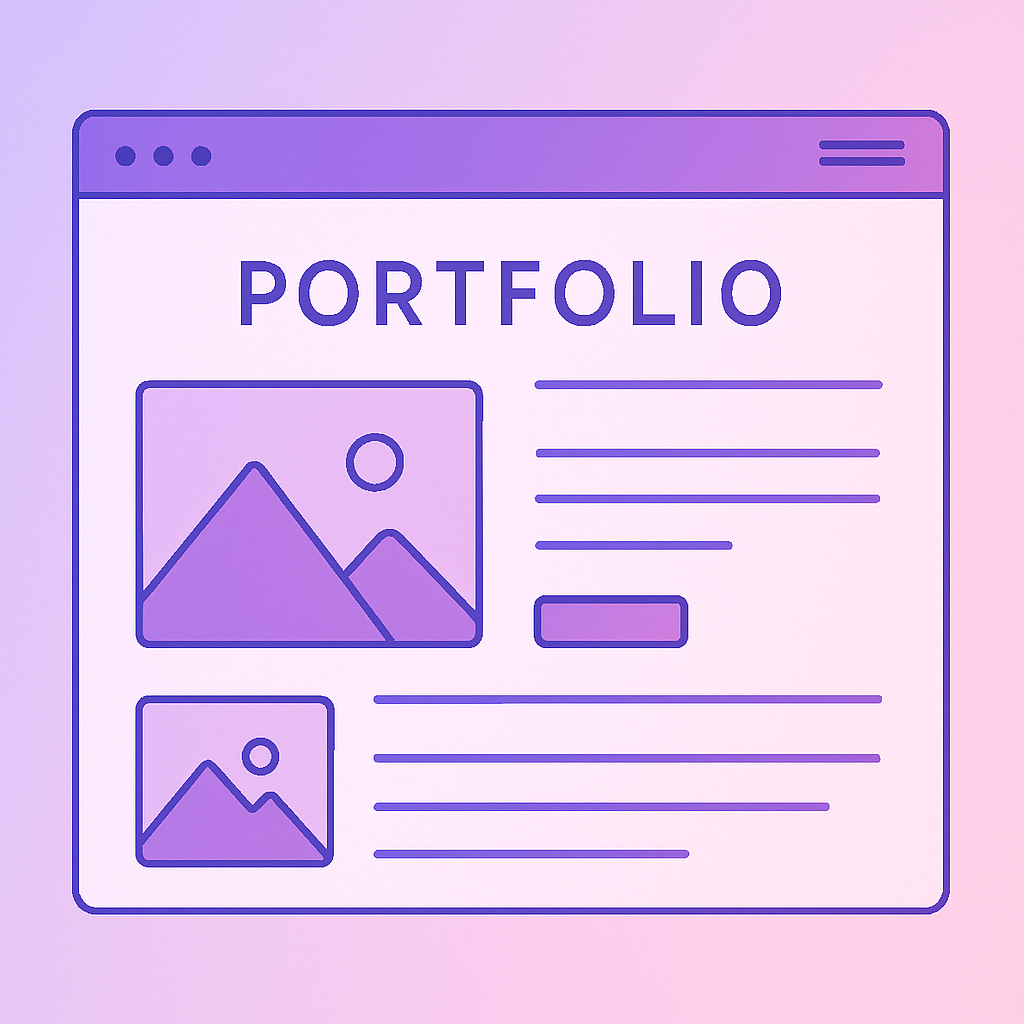
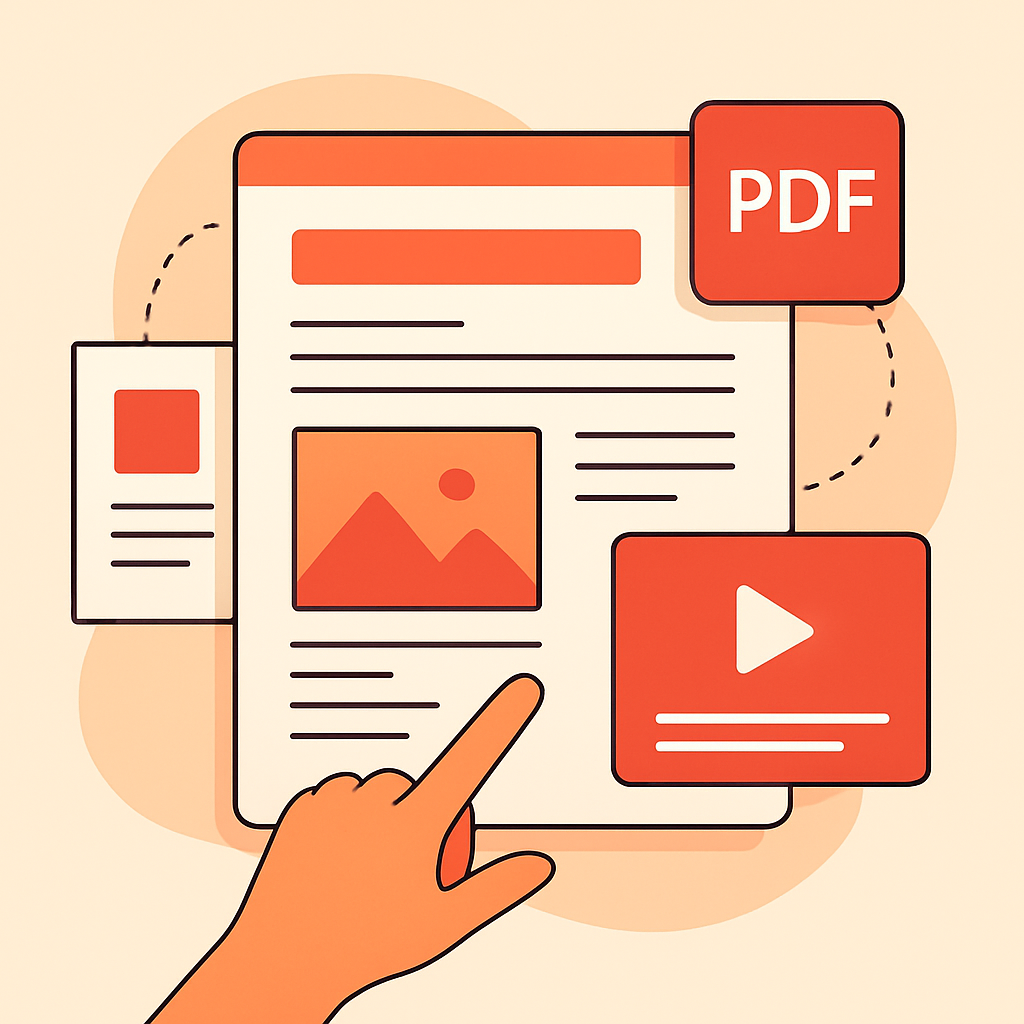
Creator media kit for brand outreach

Media Kit & PDF Export

Generate professional PDF media kits from your creator profile. Share with brands alongside your content plan.

Content performance analytics
Illustration from Icons8

Creator Analytics

Track followers, engagement, portfolio count, and campaign invites from your dashboard.

Creator profile setup

Creator Profile

Structured profile with social metrics, portfolio, rates, and brand preferences for campaign matching.

The Old Way vs. PlanGrid

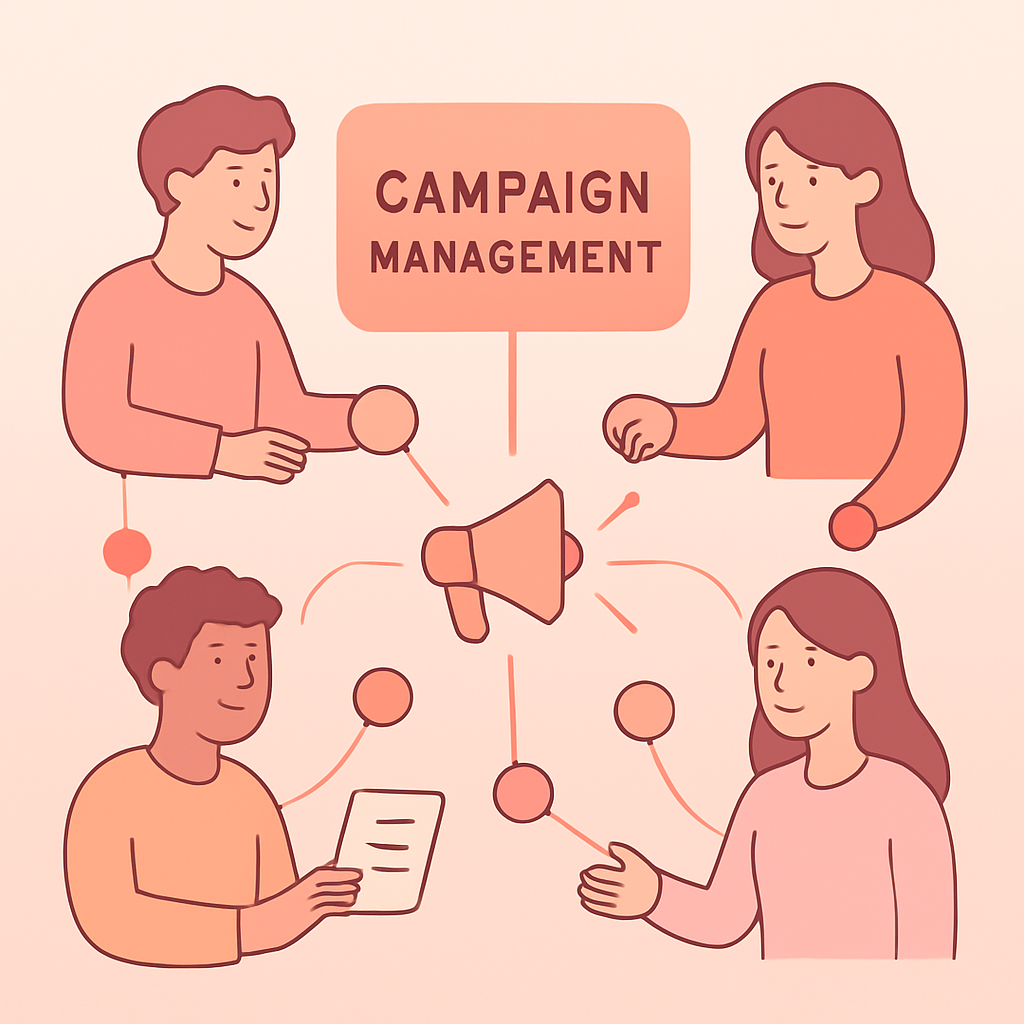
Brand collaboration deliverable

Scattered notes & spreadsheets

  • ❌ Content ideas lost in Notes apps
  • ❌ No visual sense of your feed layout
  • ❌ Campaign deadlines mixed with organic posts
  • ❌ Posting without seeing the full grid picture
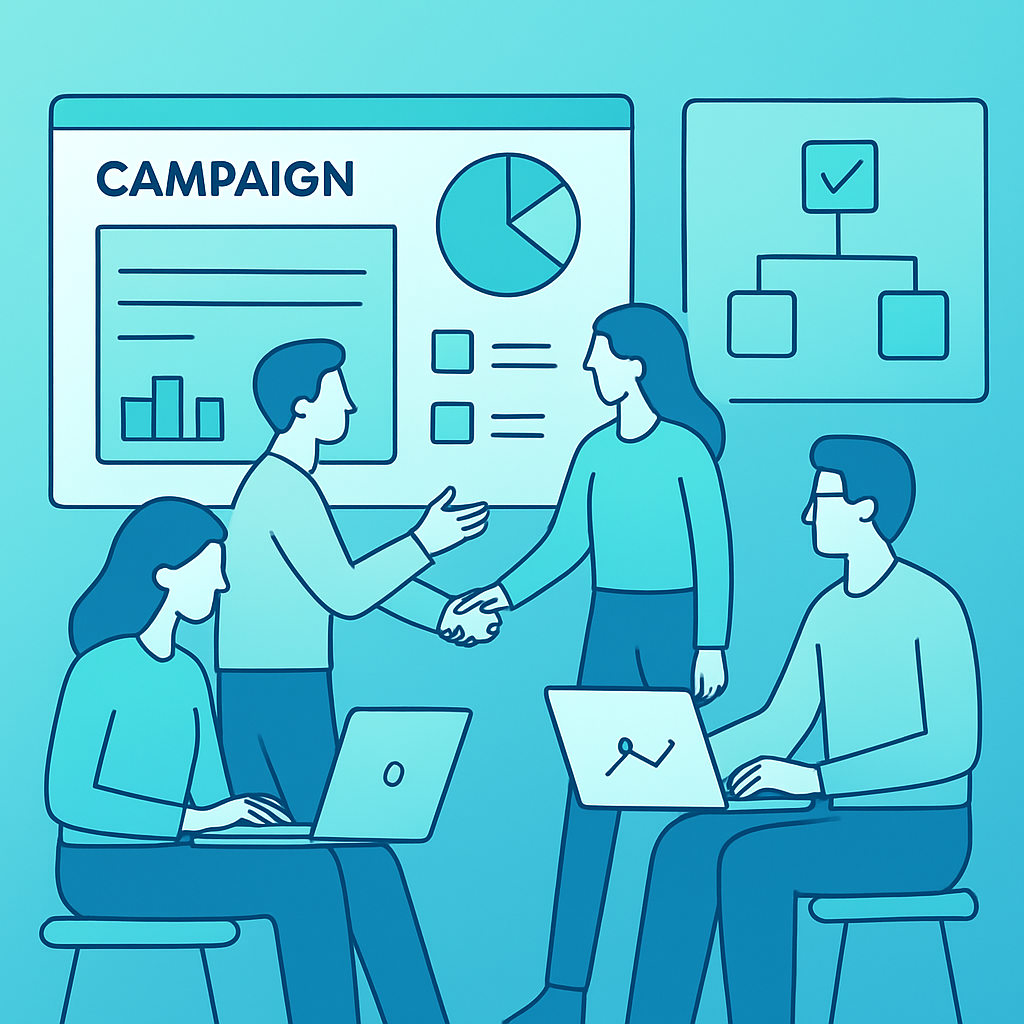
Creators collaborating with brands
Illustration from Icons8

With PlanGrid

  • ✅ Central content library by type
  • ✅ Drag-and-drop monthly calendar
  • ✅ Live Instagram grid preview
  • ✅ Campaigns & collabs in one workspace

Perfect For

Creator previewing feed on phone
Illustration from Icons8

Instagram Influencers

Plan your feed aesthetic, schedule reels, and keep stories consistent week to week.

Planning reel content
Illustration from Icons8

Reels & Video Creators

Batch-plan video content and preview how reels sit in your profile grid.

Agency reviewing creator content plans
Illustration from Icons8

Fashion & Lifestyle Creators

Coordinate organic posts with brand campaigns without losing your visual identity.

Instagram creator workflow

UGC & Collab Creators

Track brand deliverables alongside personal content in one planner.

Frequently Asked Questions

What features does PlanGrid include?

PlanGrid includes a drag-and-drop content library, monthly calendar scheduling, Instagram profile grid preview, stories row preview, campaign and collaboration tracking, creator analytics, and media kit tools for brand outreach.
Does PlanGrid support drag-and-drop scheduling?

Yes. Drag content from your library onto any calendar day to schedule it. Move items between days to reschedule, or drag back to the library to unschedule. Changes sync instantly to your grid preview.

Can I manage brand campaigns in PlanGrid?

Yes. Campaign invites from Brand Grow Agency appear in your library automatically. You can also add custom collaboration items and see campaign badges on calendar chips and grid tiles.

Does PlanGrid replace Instagram scheduling tools?

PlanGrid is a visual planning and preview tool—it helps you organize and preview content before publishing. It does not post directly to Instagram in v1, but gives you a clear picture of your upcoming feed and stories.

Growing Instagram reach with planned content
Illustration from Icons8

Stop guessing what your feed will look like

Plan your next month of Instagram content and preview your grid today.